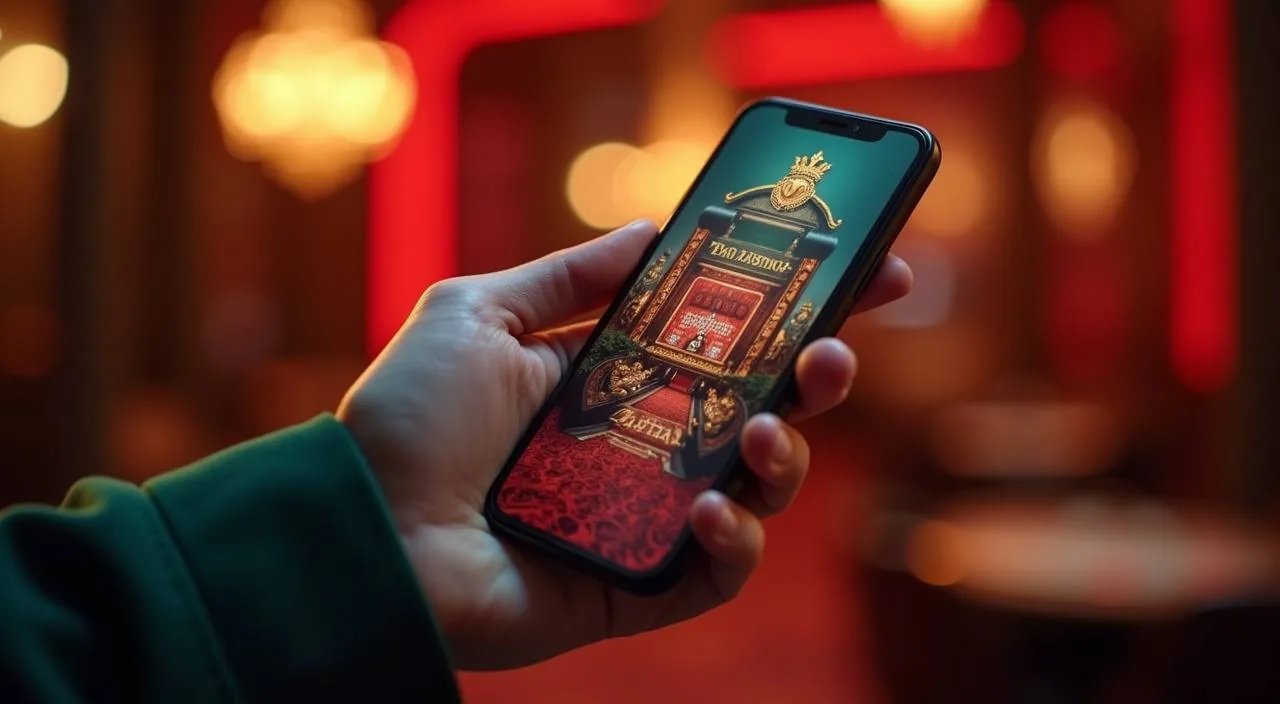
vk1971 is a mobile-first account platform shaped for Bangladesh — every screen, every step from account creation to your first deposit through bKash or Nagad, is designed to clear in seconds on a phone. Availability depends on local law and eligible regions.
We built vk1971 with one clear purpose: make the path from opening an account to placing your first bet as short as it can be on a phone screen. That means the account page loads fast, the cashier shows your local wallet options upfront, and the lobby is reachable within a couple of taps once your deposit clears. Our game catalogue covers slots from JDB, Spadegaming, Microgaming and Bigtime Gaming, live dealer tables, crash titles like Crash Limitless, and a sportsbook that puts cricket front and centre — BPL fixtures and international matches sit at the top of the sports section because that is what our Bangladesh audience follows.
bKash cashier
Nagad cashier
Bank Transfer
Cricket betting lobby
BY THE NUMBERS
Four Things You Can Check Right Now
The figures below reflect the platform structure you can verify directly inside your account or lobby — no invented counts, no estimated volumes. Each one points to a real section of the site where the information is visible to any signed-in account holder. Use them as navigation anchors, not as marketing claims.
Game studios in the lobby: JDB, Spadegaming, Microgaming, Bigtime Gaming
4
Configured local payment routes: bKash, Nagad, Bank Transfer
3
Named game titles available across slots, crash and sports categories
6
Language served on the platform: English for Bangladesh accounts
1
REACH OUR TEAM
How to Get Help on Your Account
When something is unclear — a deposit showing pending, a wallet verification step, or a question about a game category — the help section is the right first stop. We publish the contact routes there directly so you always have the current channel. Operating hours and response windows are shown on the support page itself; we do not print them here because they are updated there first.
Live Chat
The live chat icon sits at the bottom of every page once you are signed in. Use it for account, wallet and cashier questions — the current availability status is shown on the chat widget itself.
Email Support
For document or verification matters that need a written record, email is the right route. The address is published in the help section. Response windows depend on queue volume and are listed alongside the address there.
Help Centre
The Help Centre covers account setup steps, bKash and Nagad cashier instructions, and transaction record access. Check there first — most cashier and wallet questions have a step-by-step page already written.
WHAT GROUNDS US
Signals You Can Verify in Your Account
Trust on a mobile platform comes from transparency at the account level — not from marketing language. Each item below points to something a signed-in account holder can check directly. We do not list claims that require you to take our word for it; if you can verify it in the wallet, the lobby or the published help pages, it belongs here.
Transaction Records
Every bKash, Nagad and Bank Transfer movement is logged in your account wallet. The record shows status, reference and timestamp. Open the wallet tab at any point to review the history for your current session or past ones.
Published Support Routes
The help section lists only the contact channels we genuinely operate — live chat, email and the Help Centre. No phone numbers or social channels are listed unless they appear there; we do not invent availability we cannot back.
Game Studio Transparency
The lobby shows titles from JDB, Spadegaming, Microgaming and Bigtime Gaming. Studio names appear on game cards so you know exactly whose content you are opening. We do not attribute a specific title to a studio unless the game card itself shows that.
Region and Access Clarity
Access to vk1971 depends on your local law and the eligible region list shown during account registration. We state this at the sign-up step and in our published terms — no hidden eligibility conditions appear after the fact.
ACCOUNT ROUTE OPTIONS
Choosing How You Access the Platform
The account works across mobile browser, desktop browser and the app — each route has a slightly different behaviour that is worth knowing before you pick the one that fits your daily use. Mobile browser keeps everything inside your existing phone setup; the app adds a dedicated shortcut and may behave differently on older Android versions. Desktop is an option for sessions where you prefer a larger screen, particularly for live dealer tables.
Mobile Browser
Open vk1971 in Chrome or your device browser. The page scales to your screen automatically. bKash and Nagad are reachable from the cashier without switching apps — the wallet confirmation step stays in your browser tab.
Installed App
The app installs from the site directly, not from an app store. Once installed, the login step is one tap on the home screen shortcut. The cashier and lobby load in the same layout as the mobile browser version.
Desktop Browser
Signing in on desktop gives you the wider table layout for live dealer games like Live Roulette Prize. Your wallet balance and transaction record carry across from mobile — the account is the same regardless of device.
Returning User Flow
If you have already verified your wallet and completed at least one deposit, the returning session skips the cashier setup step. Your bKash or Nagad number stays on file; you go straight to the lobby from the login screen.
BRAND REFERENCE POINTS
What Defines the vk1971 Experience
Four elements show up consistently across every account session on this platform — in the lobby structure, the cashier layout, the game card design and the support pathway. They are not abstract brand values; they are visible, functional choices that affect how quickly you move from login to your first game. Each one below corresponds to a part of the interface you can open and check yourself.
Phone-First Lobby Layout
The lobby is arranged for vertical scrolling on a phone screen. Game categories sit in a horizontal swipe rail at the top; individual titles load as bounded cards with clear labels. No horizontal scroll overflow, no pinch-to-fit required on standard Android or iOS devices.
Cashier at the Front
The deposit and withdrawal section appears on the main navigation bar, not buried in account settings. bKash, Nagad and Bank Transfer options load on the first cashier screen. You do not need to search for the payment section after login.
Cricket in the Sportsbook
Cricket Betting Live sits at the top of the sportsbook section because BPL and international cricket are the categories our Bangladesh audience navigates to first. The category is accessible from the bottom nav on mobile without going through a full sports menu.
Account Continuity
The same account, balance and game history are available whether you open the platform on your phone or switch to a laptop later. Nothing resets between devices. The wallet record and any active session state carry across when you sign in on a second device.
COMMON ACCOUNT QUESTIONS
Questions About vk1971 We Hear Often
The questions below come from the account setup and first-session stage — the points where most new account holders want clarity before they go further. If your question is not here, the Help Centre and live chat are the right next steps.
What is vk1971 and who is it for?
vk1971 is a mobile-first account platform built for Bangladesh, covering slots, live dealer tables, crash games and cricket betting. The cashier supports bKash, Nagad and Bank Transfer. Access depends on local law and your eligible region, which is confirmed at the account registration step.
Which game studios are in the lobby?
The lobby carries content from JDB, Spadegaming, Microgaming and Bigtime Gaming. Studio names appear on game cards inside the lobby. These studios supply game content only — slots, live tables and table game titles. They are not involved in payment processing or account verification.
How do I deposit using bKash or Nagad?
Open the cashier from the main navigation bar after signing in. Select bKash or Nagad from the first screen. Follow the fields and confirmation steps shown there. Your account wallet updates once the transaction is confirmed. The full transaction record is available in the wallet tab.
Can I use the same account on my phone and on desktop?
Yes. Your balance, wallet history and account settings are the same on mobile browser, the installed app and desktop browser. Sign in with the same credentials on any device. Nothing carries over between accounts — only between devices using the same login.
Where can I find help if something goes wrong with my account?
The live chat icon is on every page when you are signed in. The Help Centre has step-by-step pages for cashier questions, including bKash and Nagad troubleshooting. For verification or document matters, email is the right route — the address is in the help section.
Is vk1971 available in Bangladesh?
Access depends on your local law and the eligible region list confirmed during account registration. The sign-up step makes this clear before you proceed. We do not override or restate local legal conditions — check the terms page and registration screen for the current eligibility detail.
 Slots / App